Third-party e-commerce plugins: Which will suit you?
Alexandra De Ocampo
February 23, 2026
•
3
min read
When you run an e-commerce business, you aim to offer products and services that meet your customers' needs. But most of the time, you need to deal with how your business operates first, especially if you want to do it online.
In the Philippines, the e-commerce space is dominated by two solutions that are similar yet contrasting: Shopify and WooCommerce. Both are powerful tools packed with features, but which one will be perfect for your business?
What is Shopify?
Shopify is an all-in-one commerce platform that enables both individuals and businesses to set up online stores to sell products and services. It has a user-friendly interface and customizable storefronts that enable businesses to manage inventory, process payments, and connect with marketing tools, making it ideal for entrepreneurs looking to establish a branded online presence.
Among the most popular Shopify sites in the Philippines are major contributors across categories such as electronics, fashion, home goods, beverages, and lifestyle, demonstrating Shopify’s versatility.
What is WooCommerce?
WooCommerce is an open-source plugin designed for WordPress.com, a self-publishing platform for blogging and other content. WooCommerce enables WordPress.com users to turn their sites into online stores by handling product listings, payment processing, shipping, tax calculations, and various extensions, providing flexibility for online sellers of all sizes.
Leading WooCommerce stores span the food, technology, retail, and entertainment industries, highlighting WooCommerce's adaptability and growth potential in the Philippine market.
Key considerations
To guide you in selecting the best option, here are a few factors to keep in mind:
Cost
Subscription-based. Shopify offers plans for sole proprietors to enterprises. Payments can be made monthly or done yearly to avail of discounts.
Free-to-use. WooCommerce is free to download and install on any WordPress.com site.
Setup and Launch
Quick. The Shopify Dashboard is intuitive and requires minimal technical knowledge to launch your online store, typically within hours.
Infrastructure and development-dependent. While the WooCommerce plugin is free to use, running a fully functional online store involves additional costs such as hosting, domain registration, extensions, security and backups, and developer fees, most of which are already included in a Shopify plan. That said, your launch will be heavily influenced by these setups and development time.
Customization
Limited. Shopify offers free and paid premium themes and apps, but you're restricted by their architecture and cannot modify your site's core code. You may also need to hire a developer to satisfy your complex business requirements.
Flexible. As the creator and owner of the code for your WordPress.com site, you have the freedom to customize WooCommerce without limits through coding, plugins, and complete authority over your data, design, and functionality.
Support
Official. Shopify offers 24/7 phone, email, and live chat support across all plans. Each app and third-party partner is meticulously screened and approved, ensuring what you’ll install is properly documented and safe to use.
Community-driven. As WooCommerce is an open-source plugin, assistance and support can be sourced from its vast developer community. However, for pressing issues, you will need to allocate resources to resolve the problems.
Security
Included. Shopify manages security measures for its clients, including automatic SSL certificates and PCI compliance.
Self-maintained. Using WooCommerce requires you to manage SSL, backups, updates, and security manually.
Payment processing
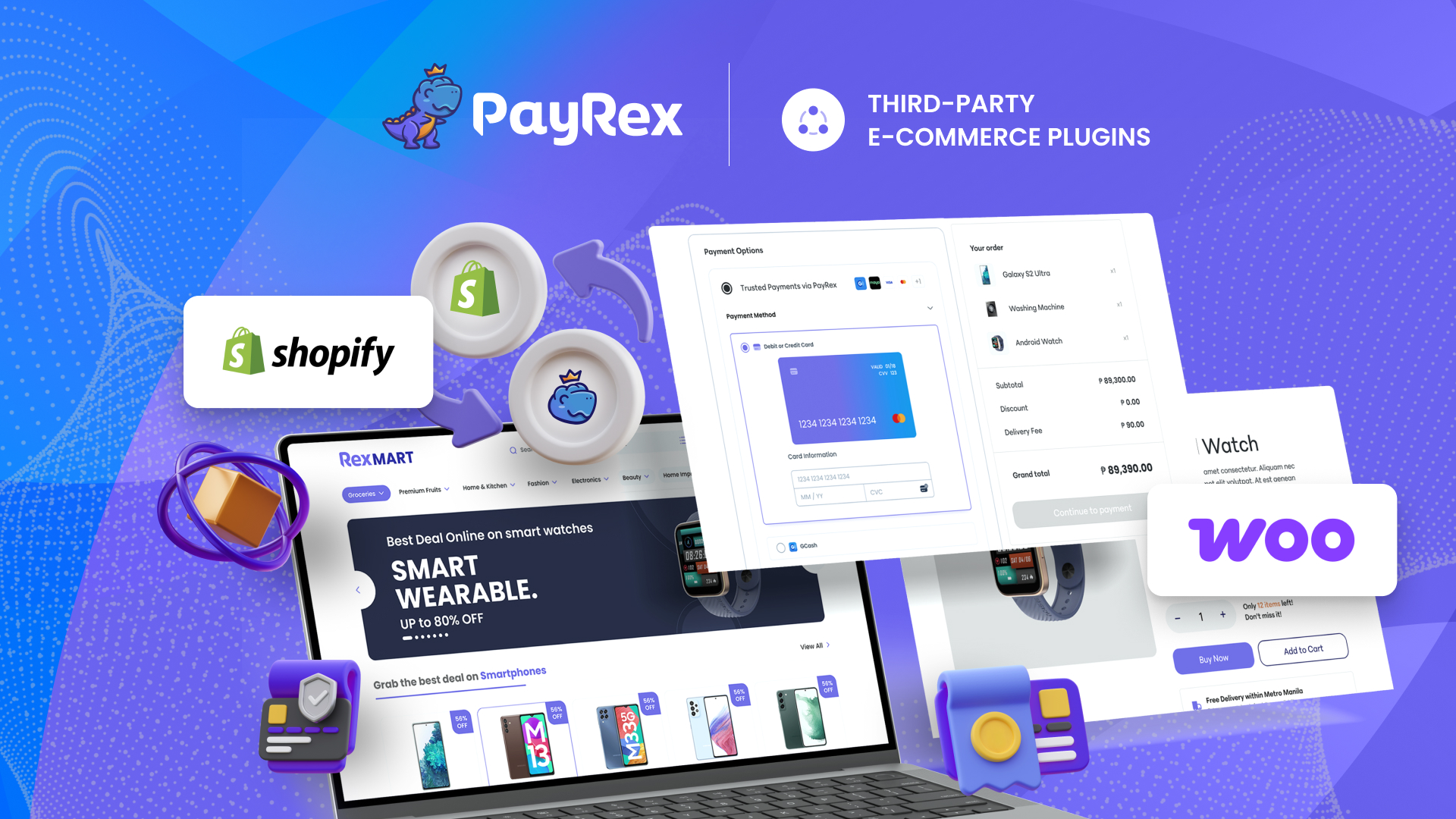
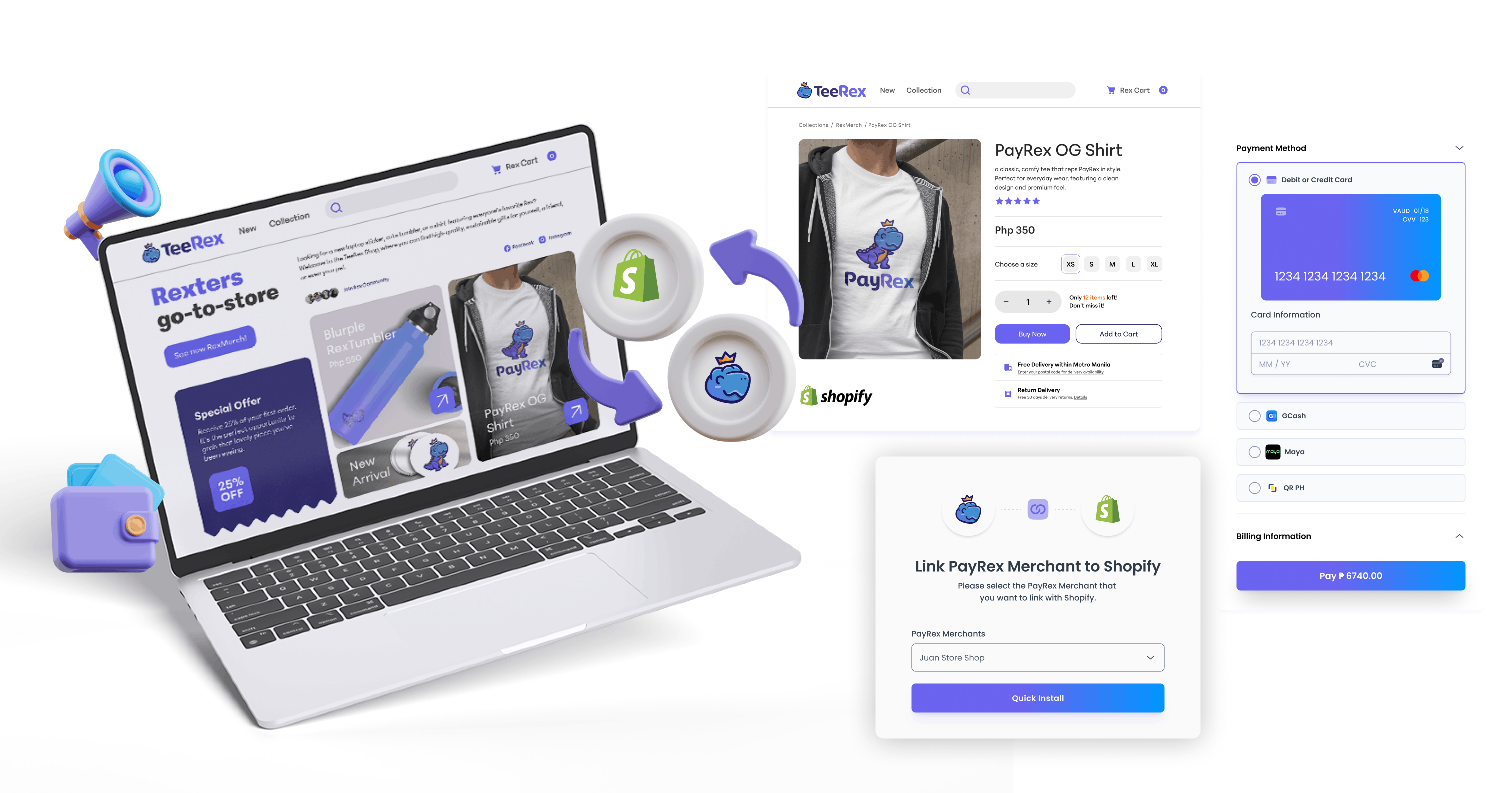
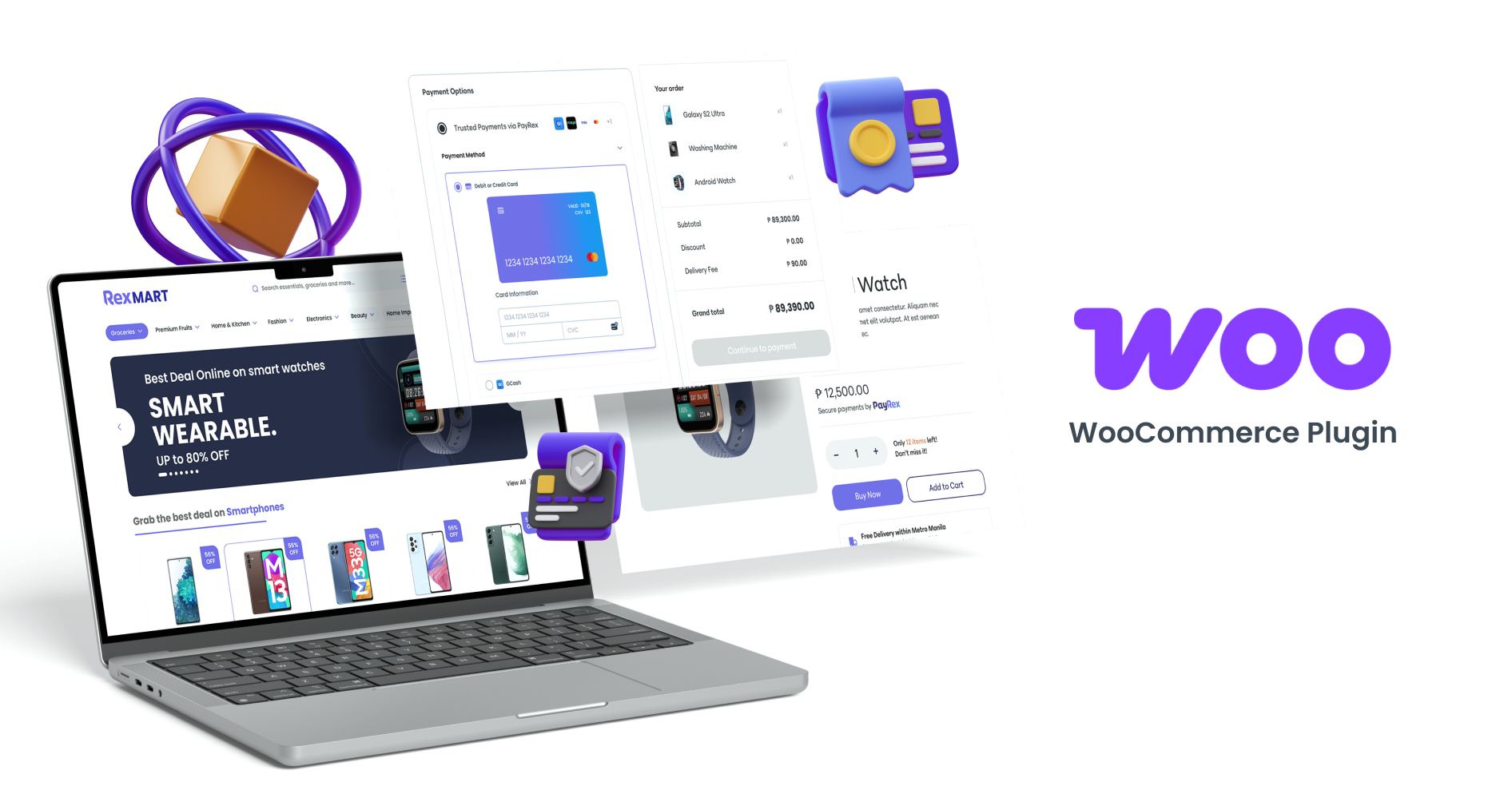
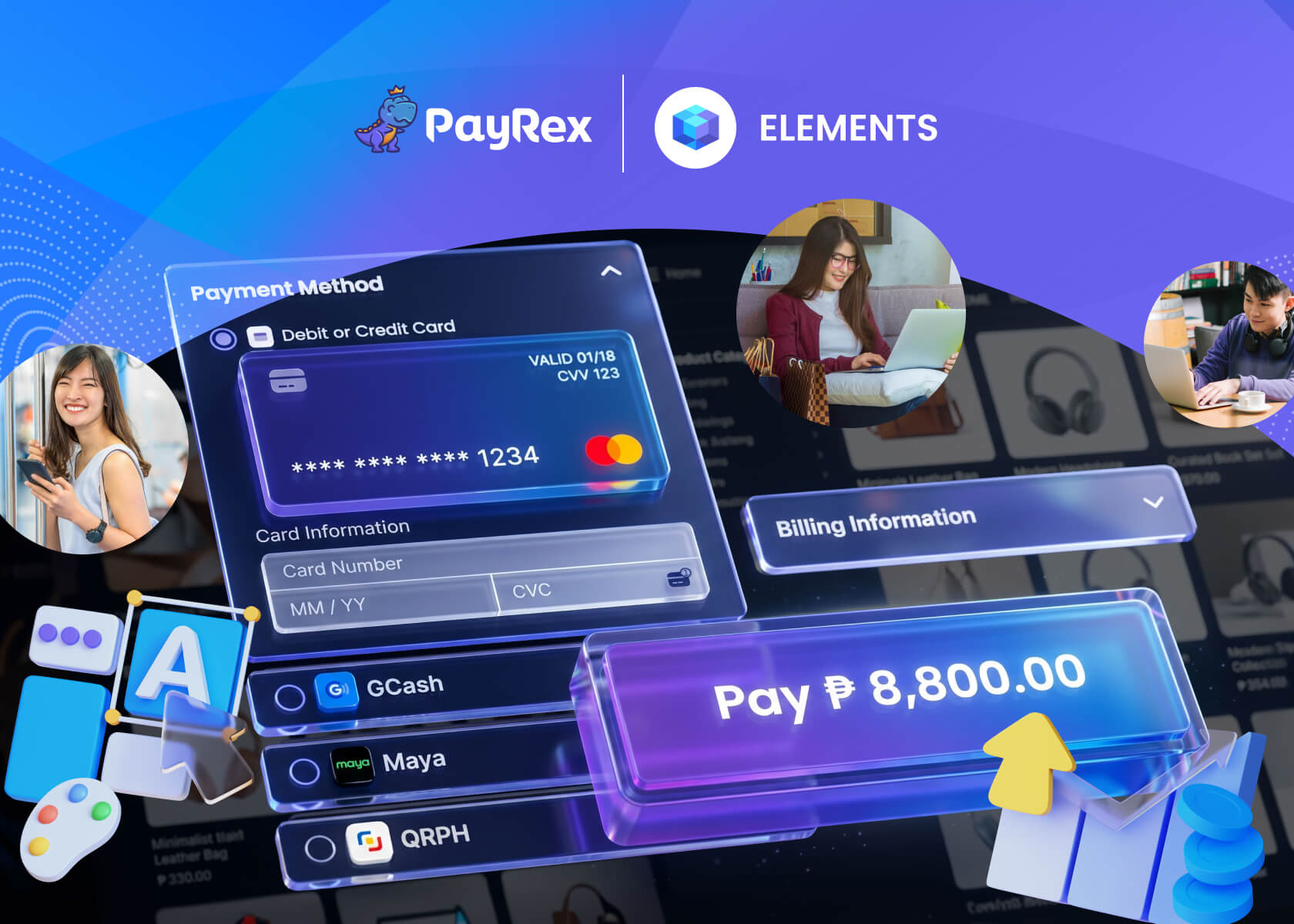
Shopify Payments and WooPayments don’t directly support local payment methods in the Philippines. Fortunately, you can easily enable popular local payment options using PayRex’s Shopify plugin or WooCommerce plugin. Both plugins are easy to install, allowing you to accept payments through credit or debit cards, e-wallets, QR Ph, and other supported payment methods. You can also take advantage of the other resources on your PayRex Dashboard, such as viewing your business analytics and managing your financial reports.
Takeaway
If you’re just starting to build your business's online presence, Shopify is your best bet thanks to its intuitive interface and plug-and-play customization options. But if you have the development resources and want full control over your online store, WooCommerce is the way to go. Whichever choice you pick, PayRex can support you in your online (and even in-person) business journey.
In the early days of e-commerce, the goal was simple: get a product online and make sure the "Buy" button worked. But as the digital economy matured, customers'
Automate recurring payments with PayRex Billing Statements. Send scheduled billing statements, manage due dates, and simplify collections for your business.